

Note what other shops and websites charge, see where you are dearer, and match the price.
Items › Prices & margins › Price check › Competitor prices (a tab at the top of Price check).
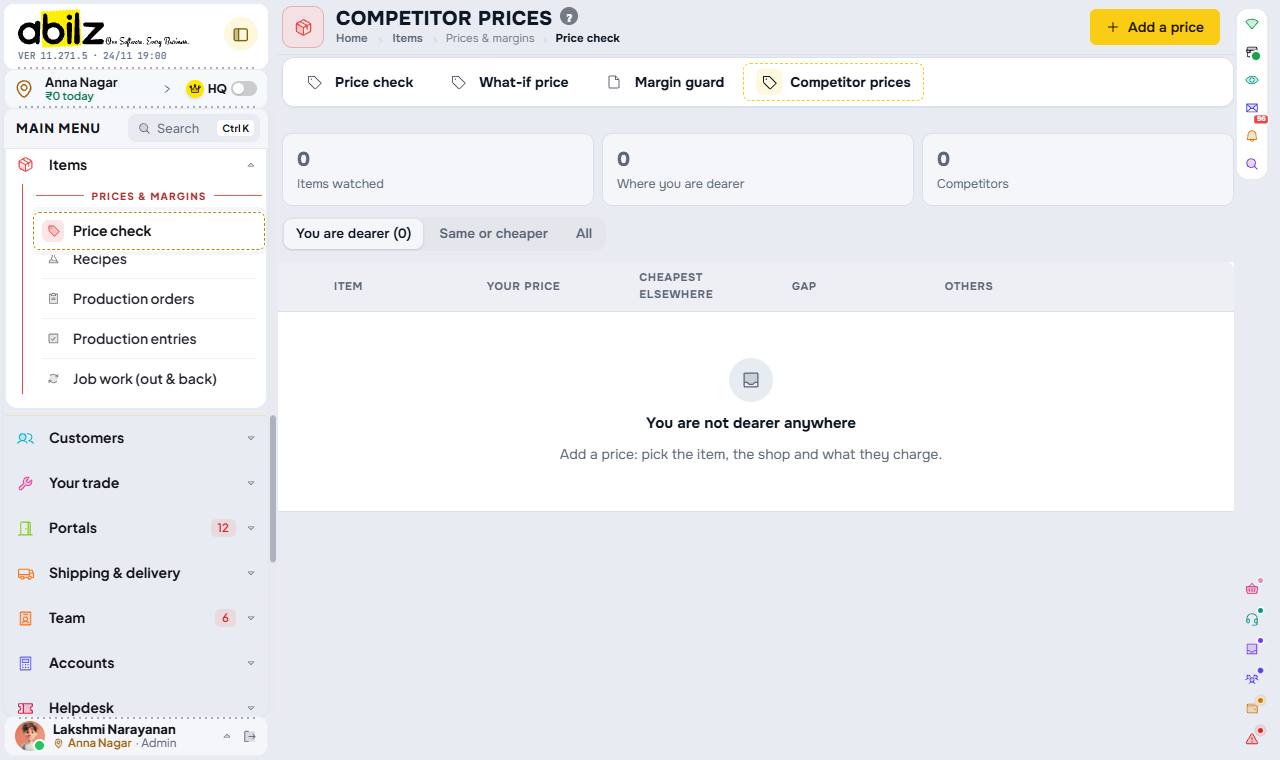
- Add a price: pick the item, the Shop or website (for example More Supermarket or Amazon), Their price, and a note if you want (offer till Sunday, a link to the page).
- The list shows Your price, the prices of Others and the Cheapest elsewhere, so you see where you are dearer.
- To match, change the price on the item or in Update prices (through Price approvals when that is on).
Was this helpful?
Something wrong in this guide?
Still stuck?Press ? in your portal, then Raise a ticket. It carries the page you are on.
Contact AbilZ