

What needs attention about your items, most urgent first, each with why it matters and the page that fixes it.
Items › Items home. Start here when you look after items.
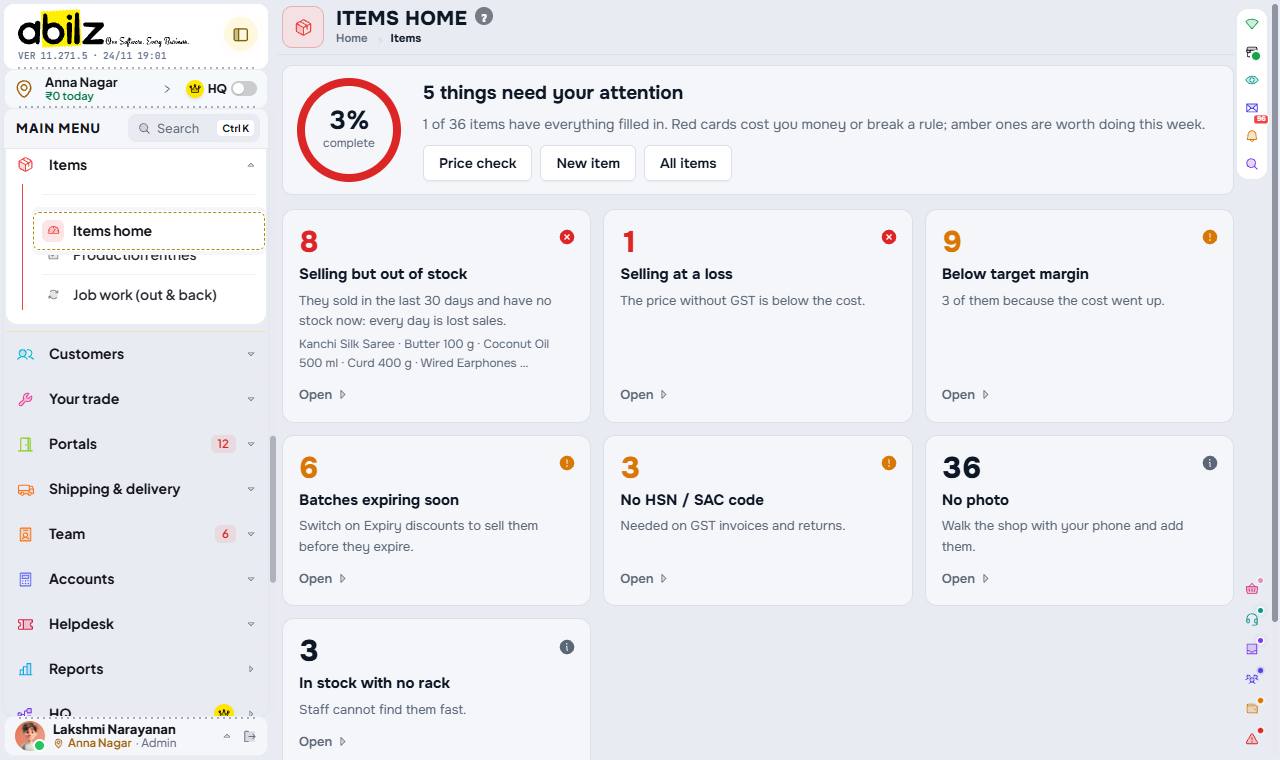
- Each card is one thing to look at, for example items without a price or photo, items below their target margin, batches close to expiry, or price changes waiting for approval.
- The most urgent cards come first. Each says why it matters and has a button to the page that fixes it.
- All items and Price check are one tap away.
Was this helpful?
Something wrong in this guide?
Still stuck?Press ? in your portal, then Raise a ticket. It carries the page you are on.
Contact AbilZ