

Add many items in one go by typing or pasting a list of names and prices.
Items › Add many at once › Add many items › Quick add from a list (a tab at the top of Add many items).
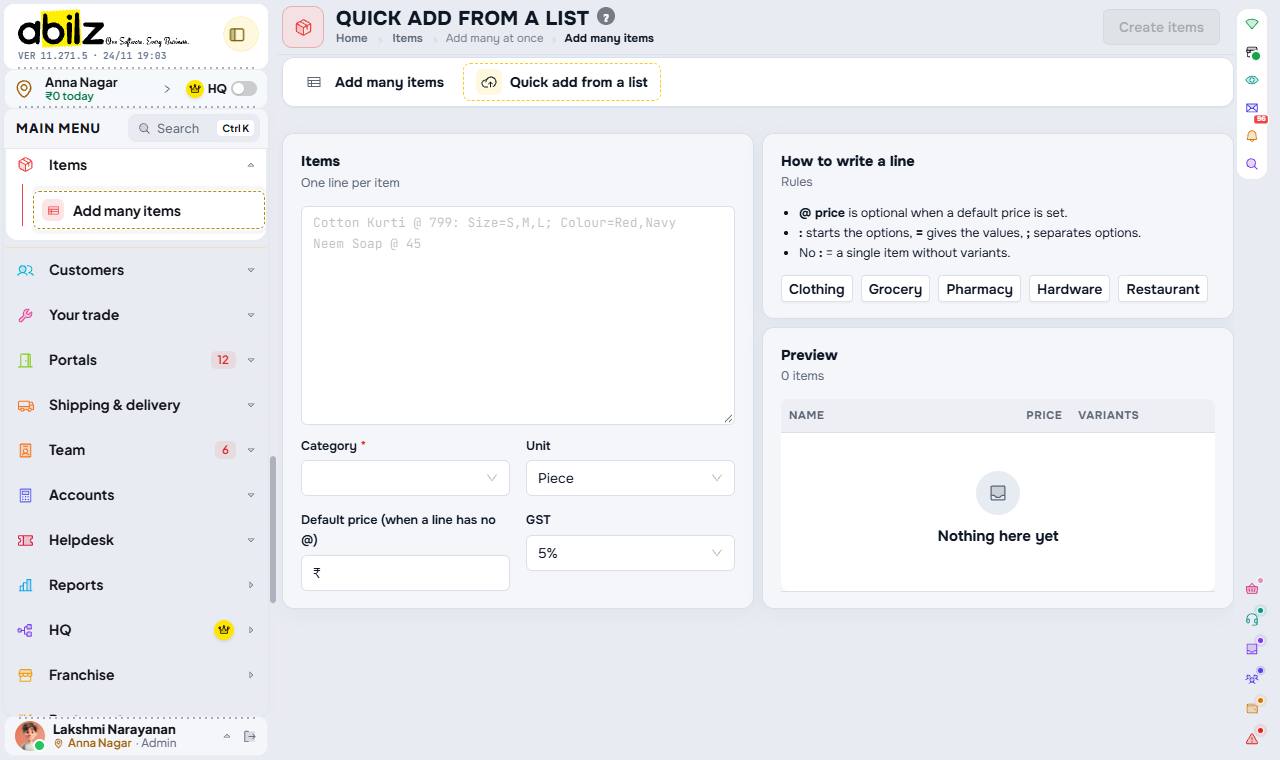
- Type or paste your items, one per line, with the Name and Price.
- Check the list and save. Each line becomes an item.
- Items with sizes or colours: open Fill prices in Variant Grid to give each size its price, or Open item to add the rest of the details.
Tip Photos, category and stock can be added later from Items.
Was this helpful?
Something wrong in this guide?
Still stuck?Press ? in your portal, then Raise a ticket. It carries the page you are on.
Contact AbilZ