

The printer shows as one line; Change opens the settings. Everything is kept on this computer for each label size.
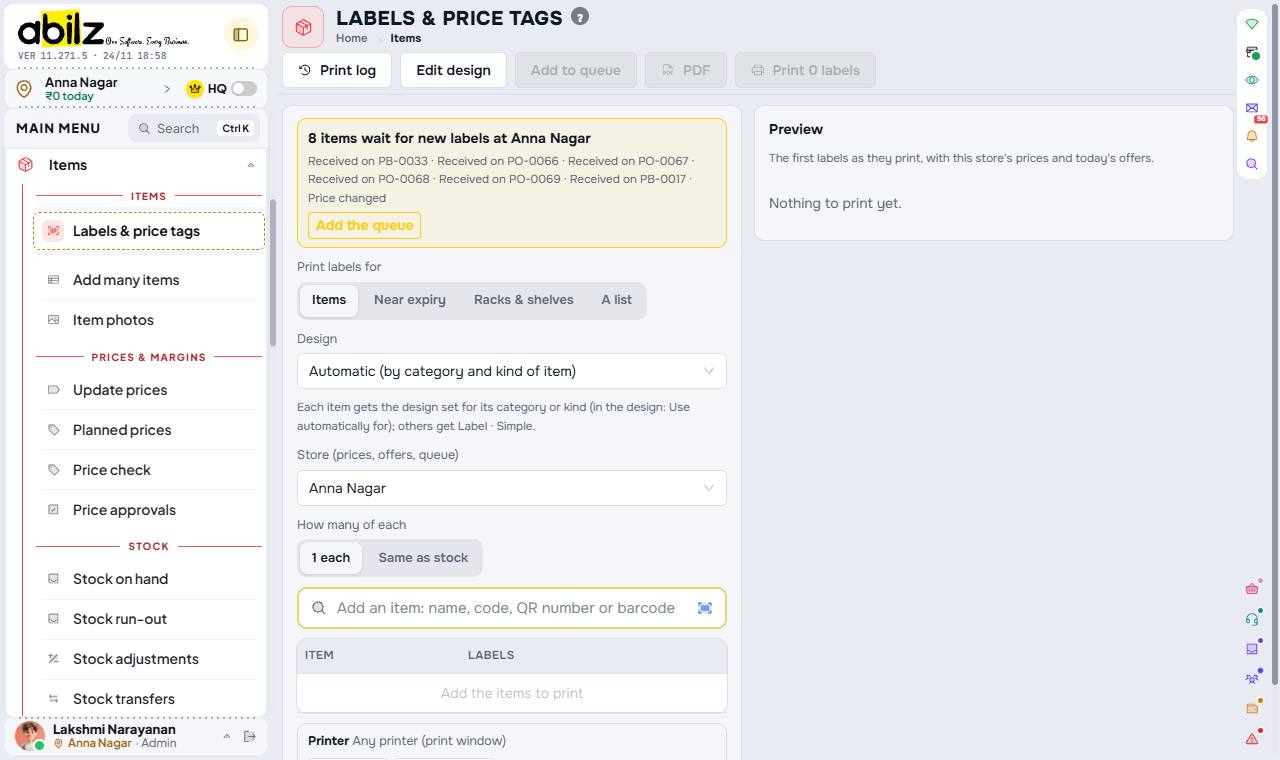
- Printer model: pick yours (Zebra, TSC, Xprinter, TVS, Honeywell, Godex, Citizen) and the language, dpi, darkness and speed fill in.
- Any printer: the browser's print window. Works with every printer, including office and inkjet printers.
- Zebra (ZPL) / TSC-Xprinter (TSPL): label-printer language. Send by:
- Windows printer (only in the AbilZ Windows POS, and the first choice there): pick the label printer from the PC's printers; the app sends the labels to it.
- Printer file: downloads a file for the printer (logo and pictures included).
- USB / COM port / Bluetooth: prints straight from Chrome or Edge. Press Connect once. On Windows, a USB printer that uses a Windows driver does not show under USB: use COM port, the printer file, or the AbilZ Windows POS. Bluetooth works from a phone too; connect again after the page reloads.
- Move right / down: if the print comes out shifted, move it here after a Test label.
- Barcode test: one label for each kind of barcode (item barcode, SKU, weighed item, price label, serial number, QR). Scan each at the counter before using a new printer.
- Roll: Gaps (normal die-cut labels), Black mark (a black line on the back of the roll; set the mark's height) or One long strip (no gaps). Paper: Thermal (no ribbon) or With ribbon. After each: Tear, Peel or Cut. Default leaves the printer's own setting alone.
- Calibrate: the printer measures the roll again. Do it after a new roll, a new kind of roll, or when labels print across the gap.
- Darkness test: three labels at a lighter, the same and a darker darkness, each with its number and a barcode. Grey or broken bars: go darker. Thick, smudged bars: go lighter. Then set Darkness to the best one.
- Printer's settings page: the printer prints its own settings (language, dpi, darkness, sensor). Useful when calling support.
These three send straight to the printer when it is connected (Windows printer, USB, COM port, Bluetooth); otherwise they download a small printer file.
Was this helpful?
Something wrong in this guide?
Still stuck?Press ? in your portal, then Raise a ticket. It carries the page you are on.
Contact AbilZ