

Load stock on a van for route sales and count what comes back at the end of the day.
Items › Van › Van loading & returns. The van is a Mobile Outlet location. If you have none, create one in HQ › Locations.
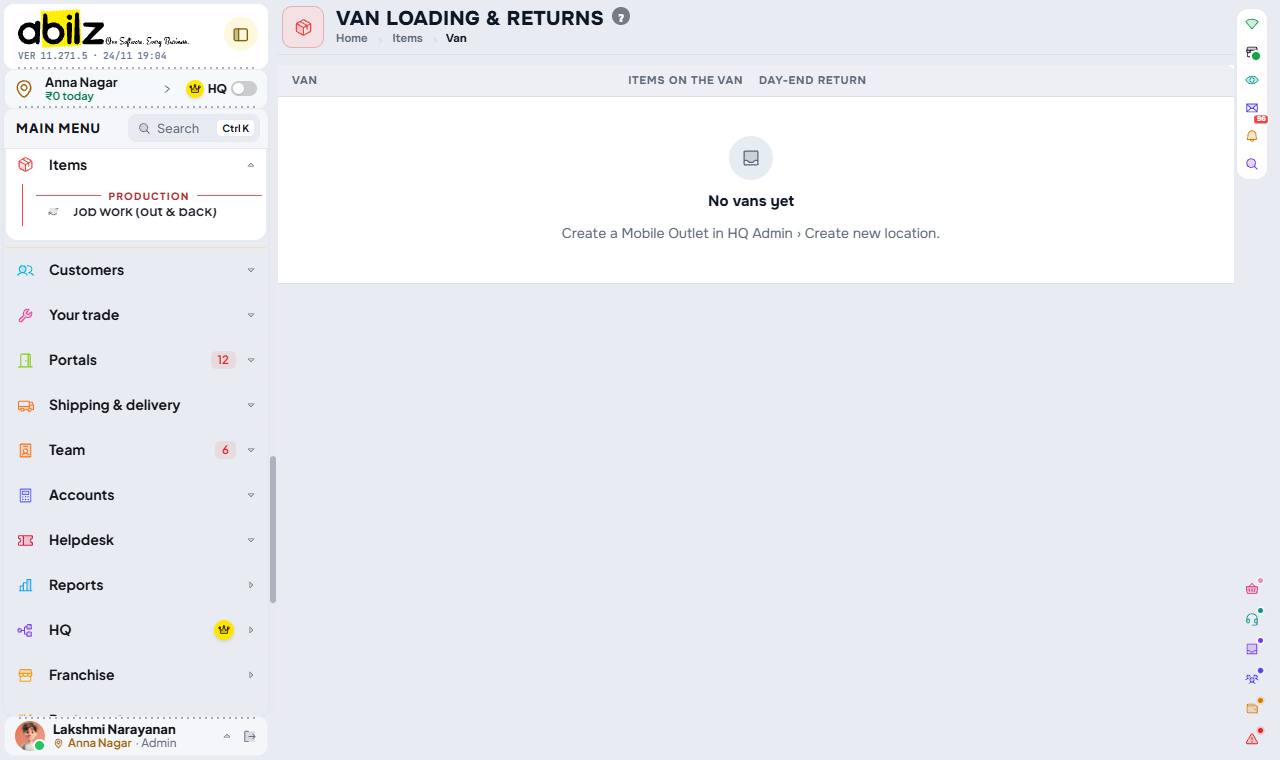
- Load the van: choose the van (location), add the items and quantities, and save. Stock moves from the store to the van.
- During the day, sales from the van take stock from the van.
- Day-end return: count what is left. The page shows what Should be on the van and what you Counted. The rest goes back to the store, and any difference is shown.
Was this helpful?
Something wrong in this guide?
Still stuck?Press ? in your portal, then Raise a ticket. It carries the page you are on.
Contact AbilZ