

Scan or type an item on the shop floor and see its price, any offer, stock here and at other locations, and its sizes.
Items › Prices & margins › Price check. Made for a phone on the shop floor.
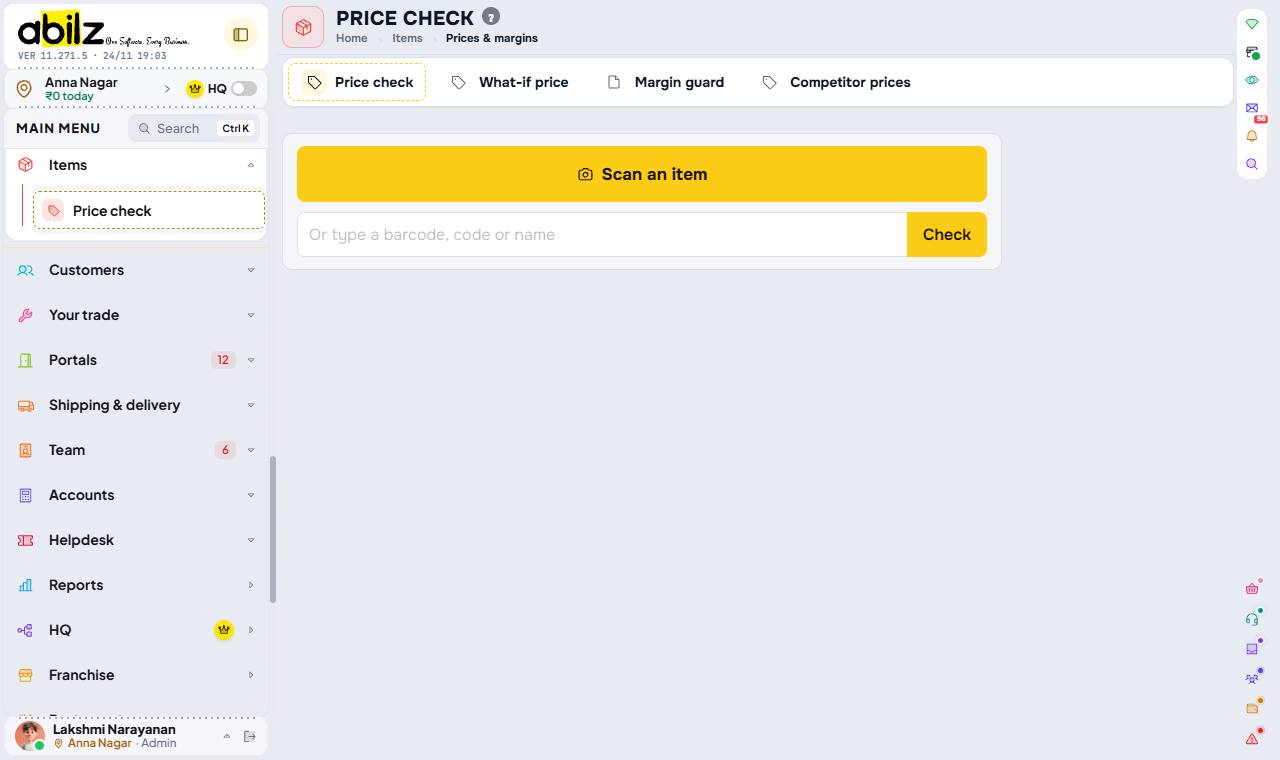
- Scan an item with the camera, or type its name, code or barcode.
- You see the price and MRP, an offer running now (with its end date), the Stock here and at All locations, and the Sizes and colours with their stock. People allowed to see cost also see the cost and when it was Last bought, from which supplier and at what rate.
- Scan next for the next item, or Open item to see everything about it.
Was this helpful?
Something wrong in this guide?
Still stuck?Press ? in your portal, then Raise a ticket. It carries the page you are on.
Contact AbilZ