

Label printers print whole dots (a 203 dpi printer: 8 dots per mm) and black only. The Check box under the label (and on the print screen, for every item) warns when:
- barcode bars or QR squares are under 2 dots wide (they may not scan); the print screen checks each item's own code, because a long code makes thinner bars;
- barcode bars are under 5 mm tall, or the barcode has less than 1.5 mm of blank space to the label's sides;
- a line or border is thinner than one dot (it may not print);
- text is under 4.5 pt (4 pt on 300 dpi printers), or touches the label's edge (a roll moves up to 1 mm);
- text or a shape is grey or a colour: a label printer prints it black or not at all.
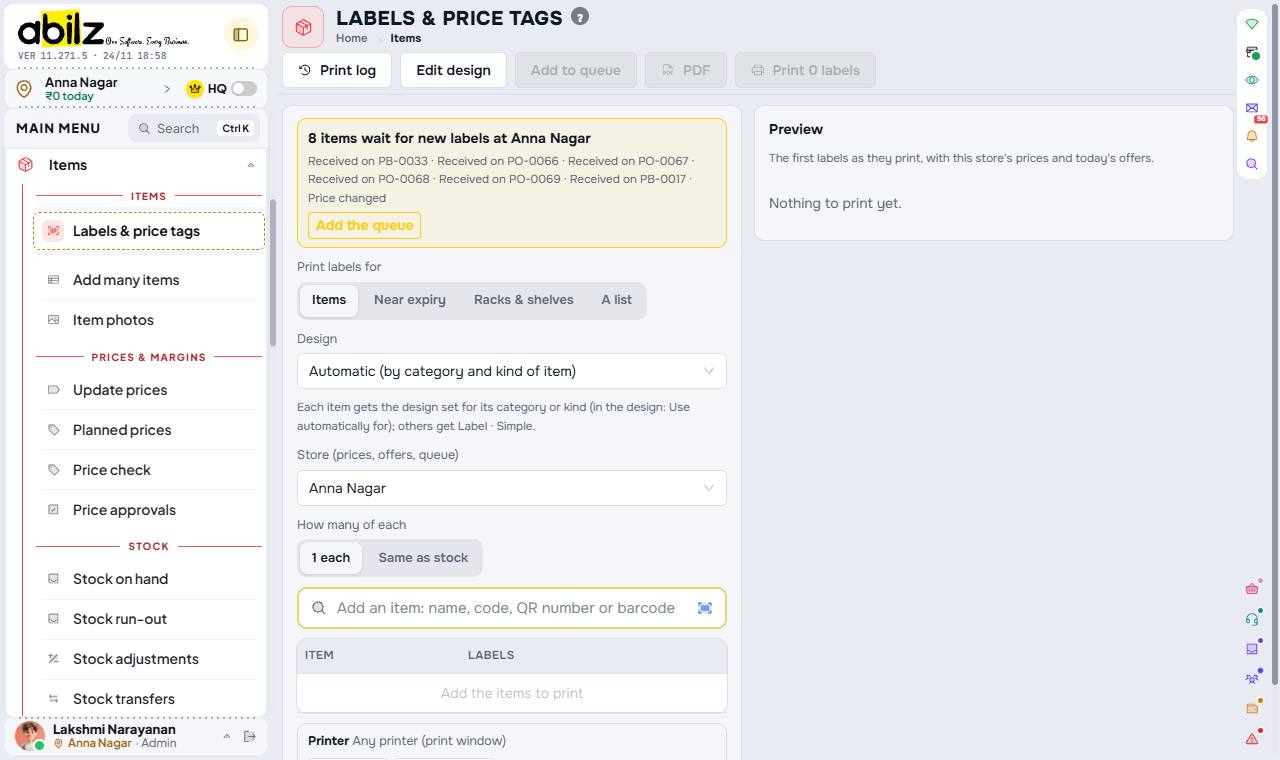
The checks use the printer set on this computer for that label size.
Pictures and logos: click the picture. On a label printer shows how it comes out in black dots. Move Black level until it looks right; switch on Photo (dots for greys) for photos. Show and print it like this makes the label, the PDF and printer files all use that black-and-white picture.
Was this helpful?
Something wrong in this guide?
Still stuck?Press ? in your portal, then Raise a ticket. It carries the page you are on.
Contact AbilZ