

Walk the shop with a phone and give every item without a photo its picture, one item after another.
Items › Add many at once › Item photos › Photo walk (a tab at the top of Item photos). Made for a phone in the shop.
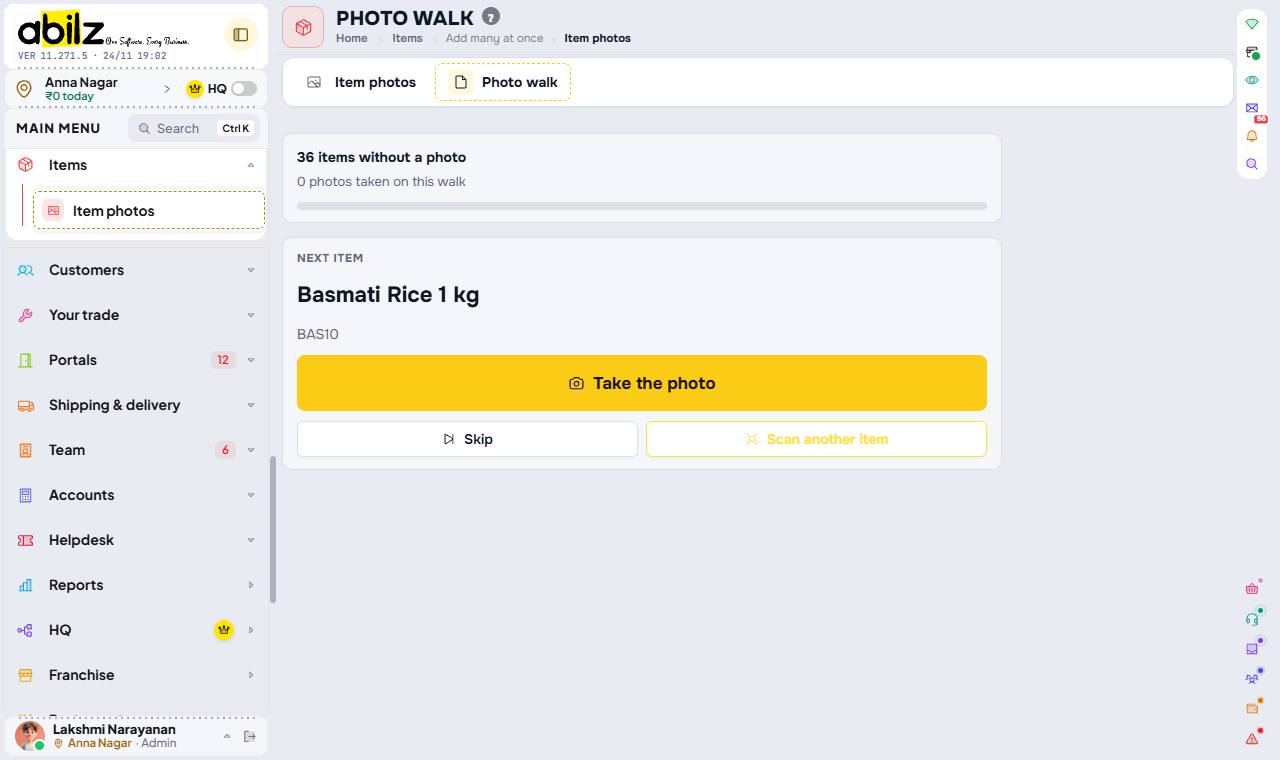
- The page shows the items with no photo, one at a time.
- Find the item on the shelf and press Take the photo: the phone camera opens. The photo saves and the Next item comes.
- Skip an item you cannot find now.
- Scan another item to photograph any item you are holding instead.
Photos are saved like the ones in Item photos: the same size, in the storage of the location chosen in the menu. When every item has a photo, the page says so.
Was this helpful?
Something wrong in this guide?
Still stuck?Press ? in your portal, then Raise a ticket. It carries the page you are on.
Contact AbilZ