

The lists your items use: categories, brands, units, variant groups (size, colour) and extra item fields.
Categories and the other item lists
Settings › Items · basics › Categories. The same page has the other lists items use: Brands, Units (with short name and conversion, for example 1 box = 12 pc), Variant groups (size, colour…) and Additional item fields.
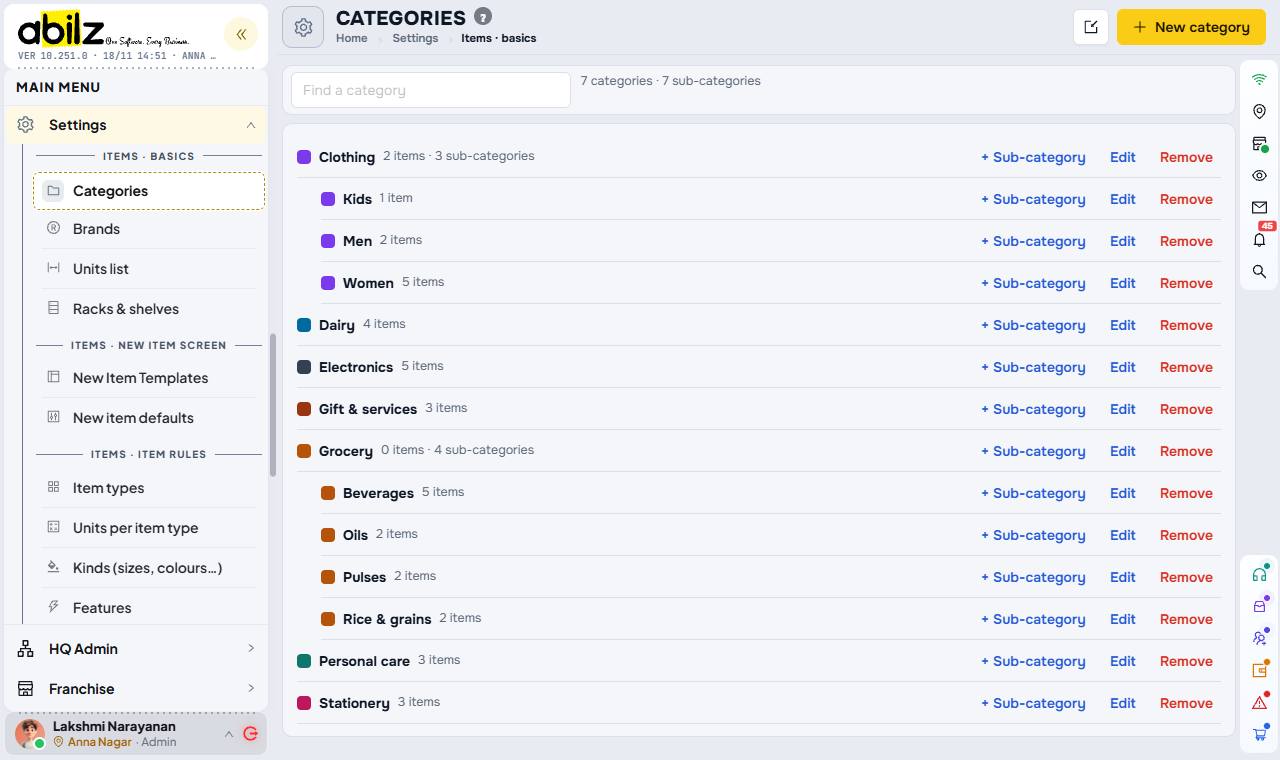
On a phone each category is one short row: its name with the number of items and sub-categories under it. Tap the row to edit it, or tap ⋯ for + Sub-category, Edit and Remove. The letters A–Z on the right jump to the first category with that letter. Brands, Units, Variant groups and Additional item fields are one short row each too: a brand over its categories, a unit over its short name and conversion (for example box · 1 box = 10 pc), a variant group over its values, a field over its set and type. Tap a row to edit it.
- Find a category searches the list. Edit changes one, Remove takes it away.
- A category used by items Cannot remove: move its items to another category first.
Variants and units for every location (HQ)
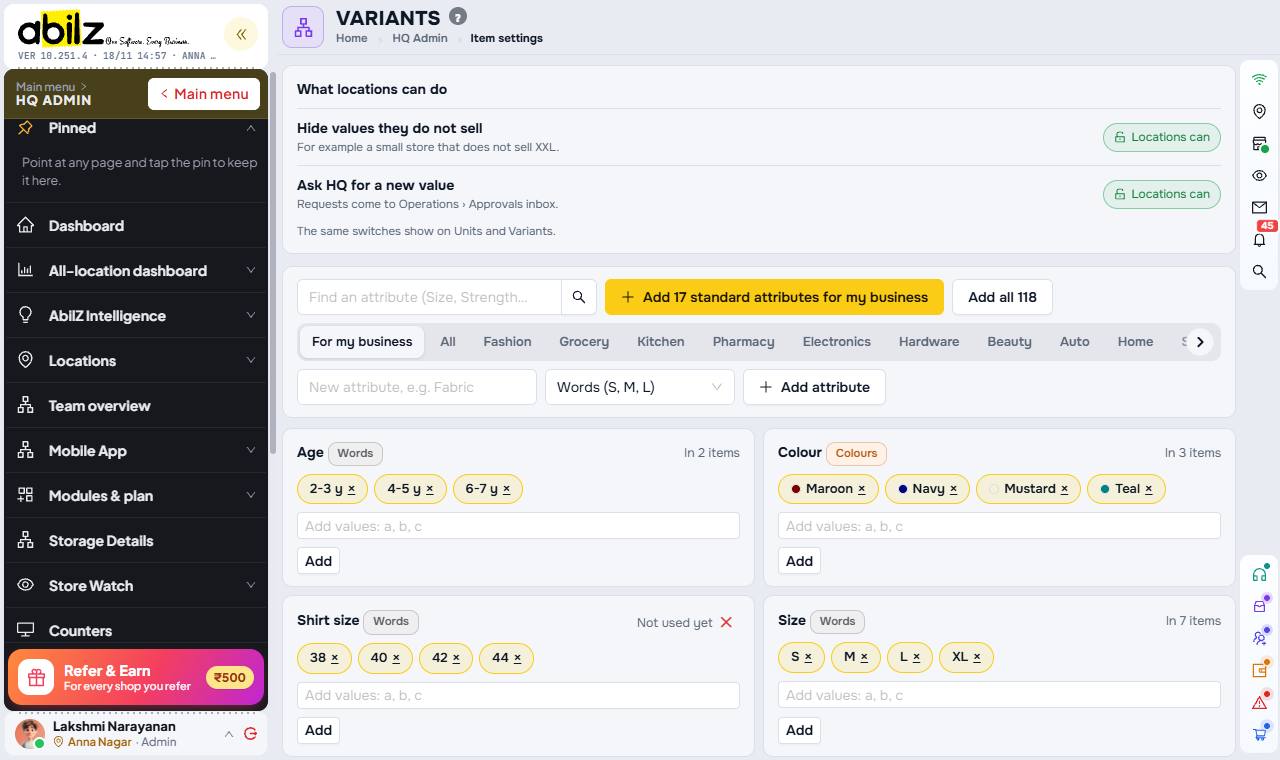
- HQ › HQ locks › Variants: the attributes (Size, Colour, Strength…) and their values for the whole business. Add the standard ones for your business, or type a New attribute, for example Fabric, and Add values (a, b, c).
- HQ › HQ locks › Units: find a unit (kg, strip, carton…). New, edit or switch off units opens the units list.
Items & variants at one location
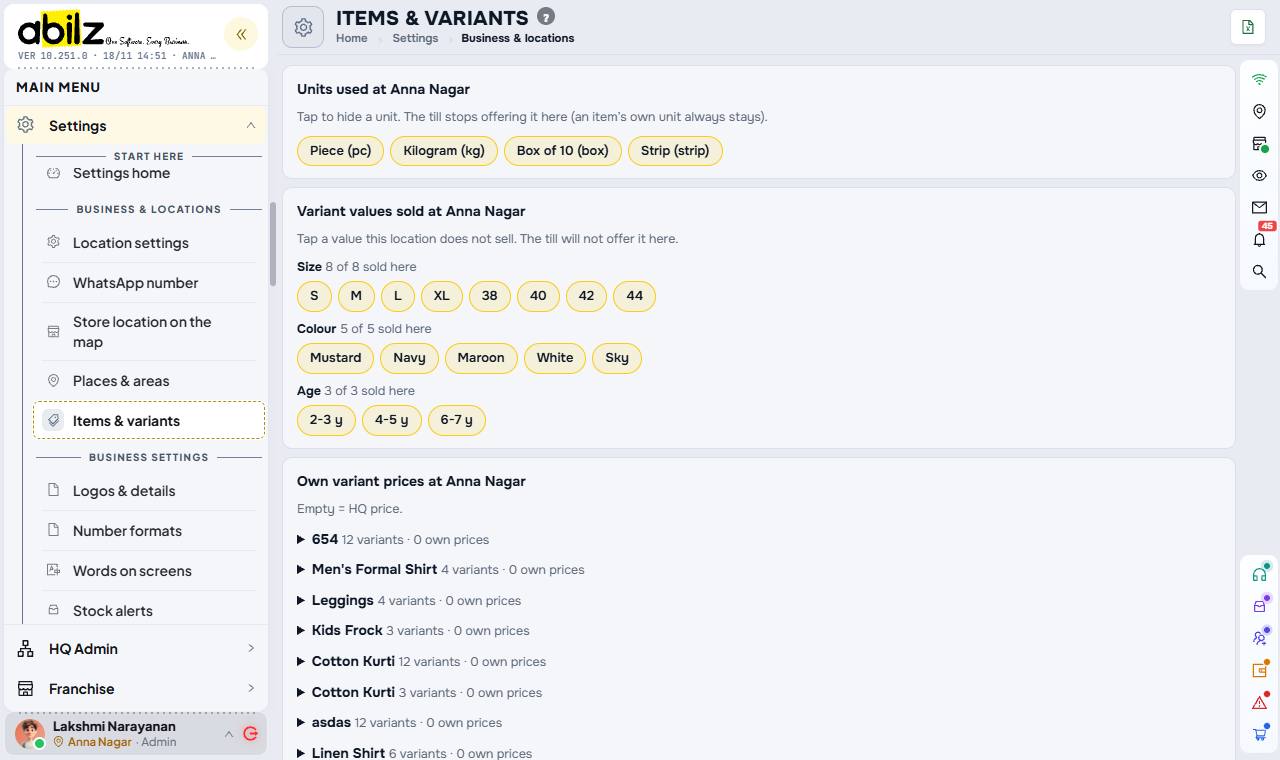
Settings › Business & locations › Items & variants shows each variant with the HQ price and the Price here. A location can add its own value (for example XXL) or its own price, when HQ Admin allows it; otherwise the page says HQ Admin has not allowed location admins to change this.
Something wrong in this guide?
